For the complete documentation index, see llms.txt. Markdown versions of all docs pages are available by appending .md to any docs URL.
Meta
Verified : Code examples on this page have been automatically tested and verified.Route agentgateway LLM traffic to the Meta Model API.
Configure Meta as an LLM provider in agentgateway. The meta preset supports the Chat Completions, Messages, and Responses APIs.
Before you begin
Install theagentgateway binary.You need agentgateway 1.6.0 or later and a Meta Model API key. Create a key in the Meta Model API dashboard.
Configuration
Use the meta preset to route requests to the Meta Model API. The preset supplies the provider URL and supported request formats.
You can add the model in the UI or in your configuration file.
To add the model in the UI, follow these steps. The steps create the same model as the Config file tab.
Set your API key in the
META_API_KEYenvironment variable. The UI checks that the variable exists when you save the model.export META_API_KEY='<your-api-key>'Create a configuration file with an empty
llmsection, and start agentgateway in the same terminal. Without anllmsection, the UI does not show the LLM > Models page.cat > config.yaml <<'EOF' # yaml-language-server: $schema=https://agentgateway.dev/schema/config llm: models: [] EOF agentgateway -f config.yamlOpen LLM > Models, such as http://localhost:15000/ui/llm/models, and click Add model.
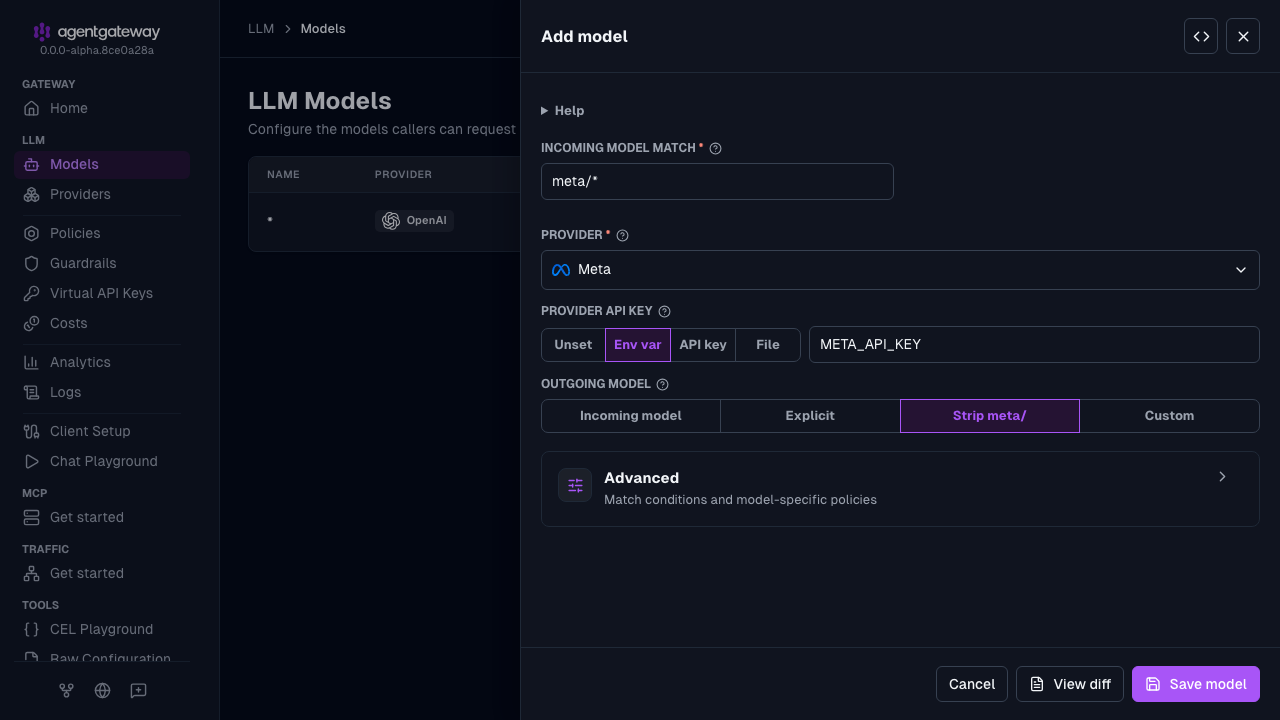
From the Provider dropdown, select Meta.
Keep the default
meta/*in the Incoming model match field.For the Provider API key, select Env var, and enter
META_API_KEY.For Outgoing model, keep Strip meta/. This option removes the
meta/prefix before the request is forwarded. To send every request to one model instead, select Explicit, and enter the model name, such asmuse-spark-1.3. This option setsparams.model.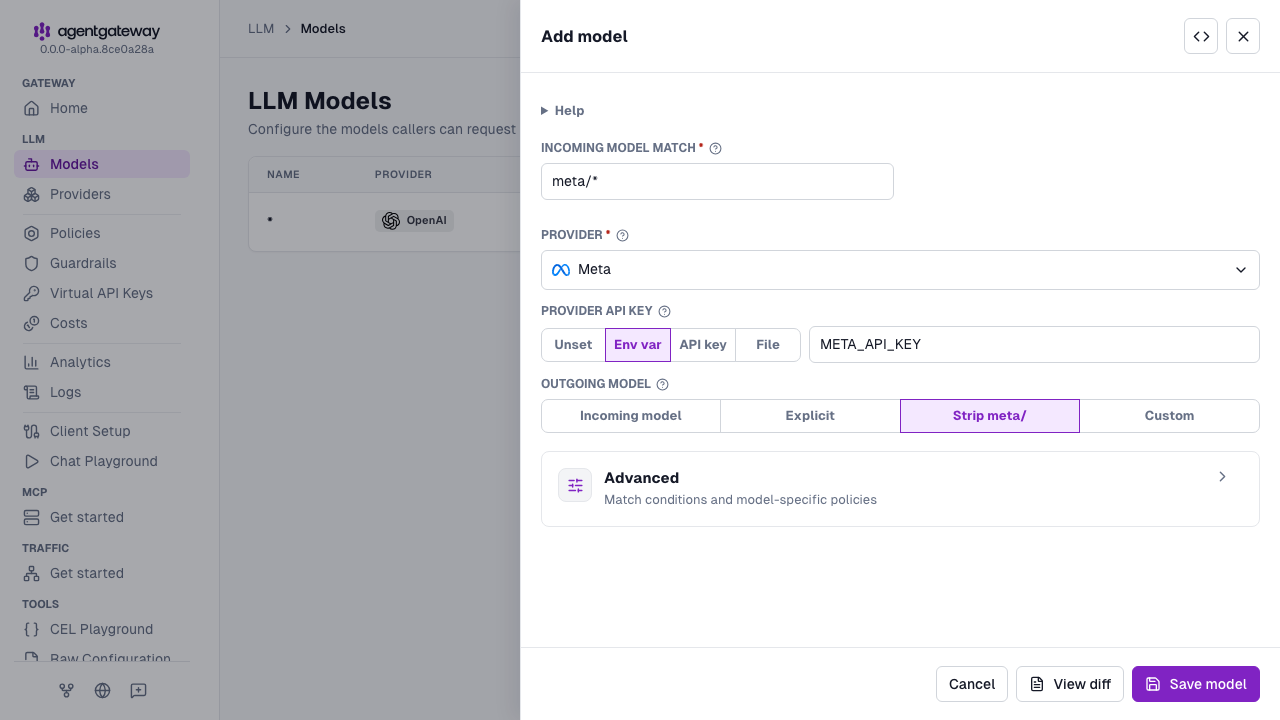
Click Save model.
The form has no field for params.baseUrl. To override the base URL, click the Raw icon (<>) in the drawer header and add the field, or use the Config file tab.
Whether the UI can save depends on your storage mode. For more information, see Save changes from the UI.
Example request
From another terminal, send a Chat Completions request to the gateway. This example uses muse-spark-1.3, as shown in the Meta quickstart. Use a model that your Meta account can access.
curl http://localhost:4000/v1/chat/completions \
  -H 'Content-Type: application/json' \
  -d '{
    "model": "meta/muse-spark-1.3",
    "messages": [{"role": "user", "content": "Hello from Meta!"}]
  }'